GOVERNMENT-CERTIFIED COURSE
50% OFF
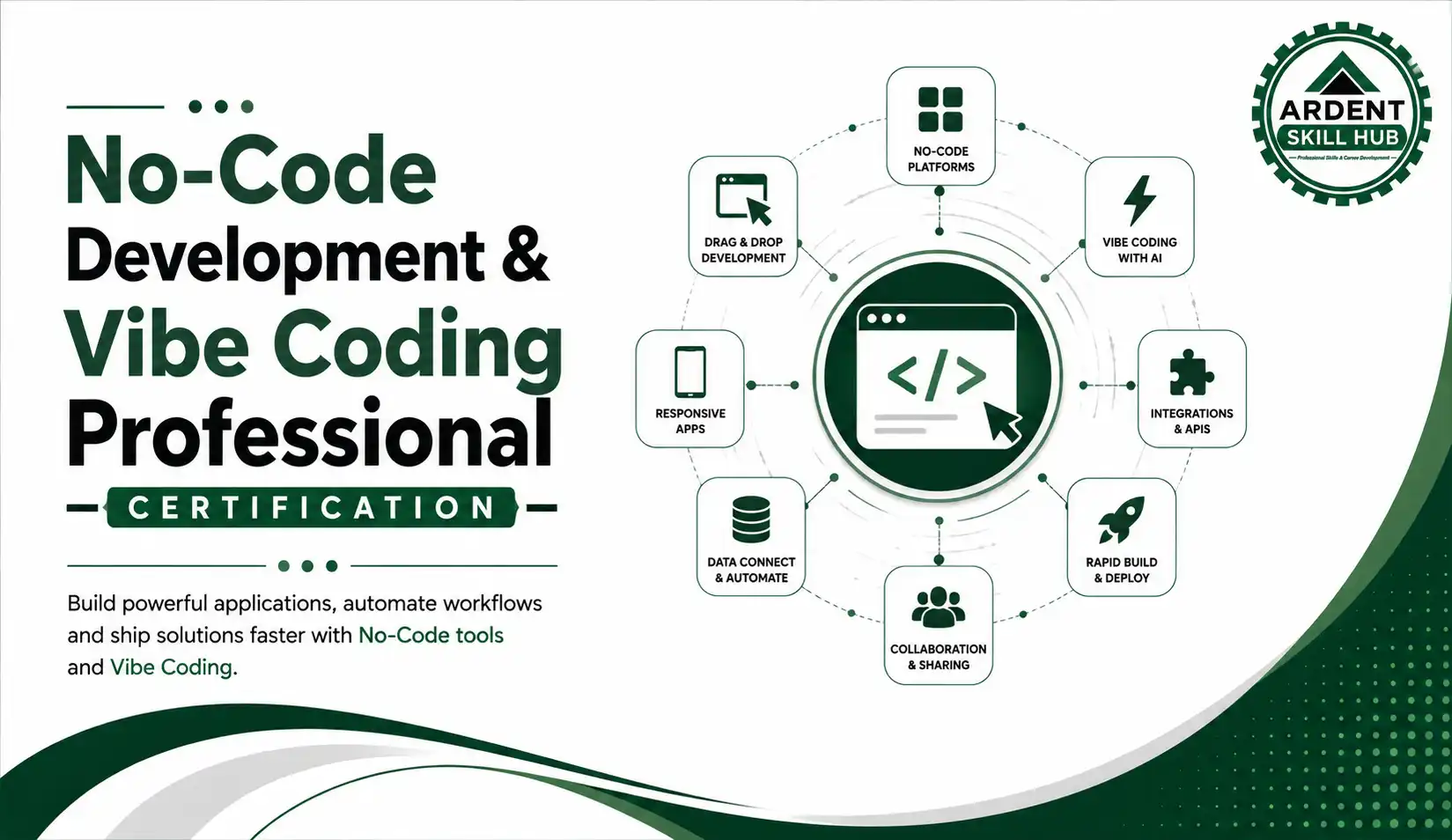
Ardent Certified–No-Code Development, Vibe Coding & AI-Powered Applications (NCDV)
Empower learners to turn ideas into functional digital products using modern No-Code, Vibe Coding, and AI-powered development tools. Build websites, applications, prototypes, and intelligent solutions through natural-language instructions and AI-assisted workflows—making application development accessible even without a traditional programming background.
₹65,000
₹32,500
Save ₹32,500
6 Months
Duration
Live +
Recorded
Max 30
Students
Govt.
Certified




Empowering learners with AI skills
to build a smarter tomorrow.
to build a smarter tomorrow.
Learning Outcomes
- Explain the concepts of No-Code, Low-Code, Vibe Coding, and AI-powered development.
- Customize and improve AI-generated applications based on user requirements.
- Connect applications with APIs, databases, forms, and third-party services.
- Identify and troubleshoot common issues in AI-generated applications.
- Develop responsive interfaces with a focus on usability and user experience.
- Create practical prototypes and applications for business, education, productivity, and other use cases.
- Demonstrate the ability to rapidly develop and present AI-powered application projects.
- Independently build and deploy a functional app using no-code/AI-assisted tools
- Connect databases and third-party integrations to a no-code application
- Test, debug, and iterate a live application based on user feedback
Course Objectives
- 1. Enable non-technical students to build functional digital products without traditional coding
- 2. Develop practical fluency with no-code platforms and AI-assisted coding tools
- 3. Build basic UI/UX judgement for usable app design
- 4. Understand the fundamentals of No-Code, Low-Code, Vibe Coding, and AI-assisted development.
- 5. Develop effective AI prompting and natural-language development skills.
- 6. Build responsive and user-friendly web applications and prototypes.
- 7. Learn how to connect applications with APIs, databases, forms, and automation workflows.
- 8. Understand the fundamentals of AI-powered application development and integration.
- 9. Apply rapid prototyping techniques to solve real-world business and productivity problems.
- 10. Build a portfolio of practical AI-powered, no-code, and vibe-coded applications.
Applications in Industry
- 1. Building MVPs for personal, campus, or entrepreneurial projects
- 2. Product and operations roles requiring rapid prototyping without a dev team
- 3. A strong portfolio differentiator for non-technical students in interviews
- 4. AI-Powered Tools – Integrate AI capabilities such as content generation, summarization, chatbots, and intelligent assistance.
- 5. Productivity Solutions – Develop task trackers, dashboards, forms, calculators, and workflow tools.
- 6. Automation – Connect applications with APIs and automation platforms to reduce repetitive work.
- 7. Education Technology – Build learning tools, quizzes, student systems, dashboards, and educational applications.
- 8. Startup & Entrepreneurship – Rapidly validate product ideas and develop early-stage digital products.
- 9. Portfolio Development – Create practical projects to demonstrate modern application-development skills.
- 10. Professional Workflows – Use AI-assisted development to solve workplace problems and improve digital productivity.
Frequently Asked Questions
NCDV (No-Code Development, Vibe Coding & AI-Powered Applications) is a practical certification focused on modern application development using No-Code platforms, AI tools, and natural-language-driven development approaches.
No-Code Development allows users to create applications using visual interfaces, pre-built components, workflows, and configurations with little or no traditional programming.
Vibe Coding is an AI-assisted development approach where users describe what they want in natural language, while AI helps generate, modify, explain, and troubleshoot the required code.
No. The course is designed to be accessible to beginners. However, basic programming knowledge can be helpful for understanding and customizing AI-generated code.
Learners can build practical projects such as web applications, dashboards, productivity tools, forms, AI-powered utilities, and automated workflows, depending on the selected tools and project scope.
Yes. The course introduces practical concepts for connecting applications with APIs, databases, forms, and external services.
Yes. No-Code and AI-assisted development can help entrepreneurs prototype ideas, validate concepts, build MVPs, and test digital products faster.
AI can assist with generating significant parts of an application, but human guidance, testing, validation, security review, and customization remain important for producing reliable applications.
Yes. The project-based approach enables learners to create practical applications that can be demonstrated in portfolios, interviews, or professional presentations.
The certification helps learners develop modern digital development, AI-assisted problem-solving, rapid prototyping, and application-building skills that can support careers in technology, business, entrepreneurship, and digital innovation.
Course Content — Modules
1
Module 1: No-Code & Vibe Coding — Foundations
1
No-Code, Low-Code & Vibe Coding: The Fast Version
2
Hands-on Lab: Mapping an App Idea to the Right Tool
3
Hands-on Lab: Building a Throwaway App in Under 30 Minutes
2
Module 2: Choosing the Right Stack
1
No-Code vs. Low-Code vs. Traditional — When Each Wins
2
Hands-on Lab: Evaluating Three Tools Against a Project Brief
3
Hands-on Lab: Prototyping the Same Feature in Two Different Tools
3
Module 3: Vibe Coding Basics
1
What Vibe Coding Actually Is, in One Pass
2
Hands-on Lab: Generating Your First App from a Plain-Language Prompt
3
Hands-on Lab: Fixing an AI-Generated Bug Without Writing Code Yourself
4
Module 4: Prompting for Code
1
What Makes a Coding Prompt Actually Work
2
Hands-on Lab: Iteratively Building a Feature Through Prompt Refinement
3
Hands-on Lab: Requesting a Refactor & Reviewing the Diff
5
Module 5: No-Code Builder Essentials
1
Canvas, Components & Logic — Orientation Only
2
Hands-on Lab: Building a Working App Screen with Visual Logic
3
Hands-on Lab: Adding Conditional Logic to That Screen
6
Module 6: Building Your First Full App
1
Planning an App in 15 Minutes: Flows, Screens & Data
2
Hands-on Lab: Building a Complete Multi-Screen App
3
Hands-on Lab: Wiring Up Navigation Between Screens
7
Module 7: Databases & Data Modeling
1
Tables, Fields & Relationships — Just Enough to Build
2
Hands-on Lab: Designing & Connecting a Relational Data Model
3
Hands-on Lab: Filtering & Querying Live Data in Your App
8
Module 8: Workflows & Automation
1
Triggers, Steps & Conditional Logic — Quick Tour
2
Hands-on Lab: Automating a Multi-Step User Workflow
3
Hands-on Lab: Building a Reusable Custom Component
9
Module 9: AI Coding Tools in Practice
1
Setting Up an AI Coding Environment
2
Hands-on Lab: Building a Feature Using an AI Coding Assistant
3
Hands-on Lab: Asking AI to Explain & Document Existing Code
10
Module 10: Vibe Coding a Full Web App
1
Going from Idea to Working Prototype, Fast
2
Hands-on Lab: Vibe Coding a Functional Web App End-to-End
3
Hands-on Lab: Reviewing & Testing the App You Just Built
11
Module 11: UI/UX Essentials
1
Usability & Layout — What Actually Matters
2
Hands-on Lab: Redesigning an App Screen for Better Usability
3
Hands-on Lab: Running a Quick Usability Test on a Peer
12
Module 12: AI Design Tools
1
Generating UI from a Prompt — What to Expect
2
Hands-on Lab: Prototyping an Interface with an AI Design Tool
3
Hands-on Lab: Refining the AI-Generated Design by Hand
13
Module 13: APIs & Integrations
1
How No-Code Tools Talk to APIs
2
Hands-on Lab: Integrating an External API into Your App
3
Hands-on Lab: Handling a Failed API Call Gracefully
14
Module 14: Authentication & Permissions
1
Sign-Up, Login & Roles — Just Enough to Implement
2
Hands-on Lab: Adding User Authentication to Your App
3
Hands-on Lab: Setting Up Role-Based Access Rules
15
Module 15: Scaling Your Data Model
1
One-to-Many & Many-to-Many, With Real Examples
2
Hands-on Lab: Refactoring a Data Model for a Growing App
3
Hands-on Lab: Load-Testing the Model with Sample Data
16
Module 16: Building a Mobile App
1
Mobile-First Basics Without Native Code
2
Hands-on Lab: Building a Functional Mobile App Prototype
3
Hands-on Lab: Previewing & Testing the App on a Real Device
17
Module 17: Adding AI Features to Your App
1
Connecting an App to an LLM API — the Short Version
2
Hands-on Lab: Embedding an AI Chatbot Into Your App
3
Hands-on Lab: Adding AI-Powered Search or Recommendations
18
Module 18: Cross-App Automation
1
Connecting Your App to Outside Automation Tools
2
Hands-on Lab: Automating a Cross-App Business Process
3
Hands-on Lab: Adding Notifications & Alerts to the Automation
19
Module 19: Testing & QA
1
Where No-Code/AI Apps Usually Break
2
Hands-on Lab: Running a Full QA Pass on Your Application
3
Hands-on Lab: Debugging an AI-Generated Logic Error
20
Module 20: Version Control & Collaboration
1
Version Control Basics for No-Code/AI Projects
2
Hands-on Lab: Setting Up Version Control & Rolling Back a Change
3
Hands-on Lab: Collaborating with a Teammate on the Same App
21
Module 21: Deployment & Hosting
1
Domains, Hosting & Environments — What You Need to Know
2
Hands-on Lab: Deploying Your App to a Live Environment
3
Hands-on Lab: Setting Up a Staging Environment
22
Module 22: Security & Compliance
1
Common Security Risks in No-Code/AI Apps
2
Hands-on Lab: Running a Security & Privacy Audit on Your App
3
Hands-on Lab: Fixing an Identified Vulnerability
23
Module 23: Monetization & Maintenance
1
Monetization Models in Brief: Subscriptions, One-Time, Freemium
2
Hands-on Lab: Building a Monetization Plan for Your App
3
Hands-on Lab: Setting Up a Feedback & Update Loop
24
Module 24: Capstone Project
1
Capstone Brief: Designing a Real-World AI-Powered Application
2
Hands-on Lab: Building & Deploying the Complete Application
3
Final Presentation & NCDV Certification Review
 50% OFF
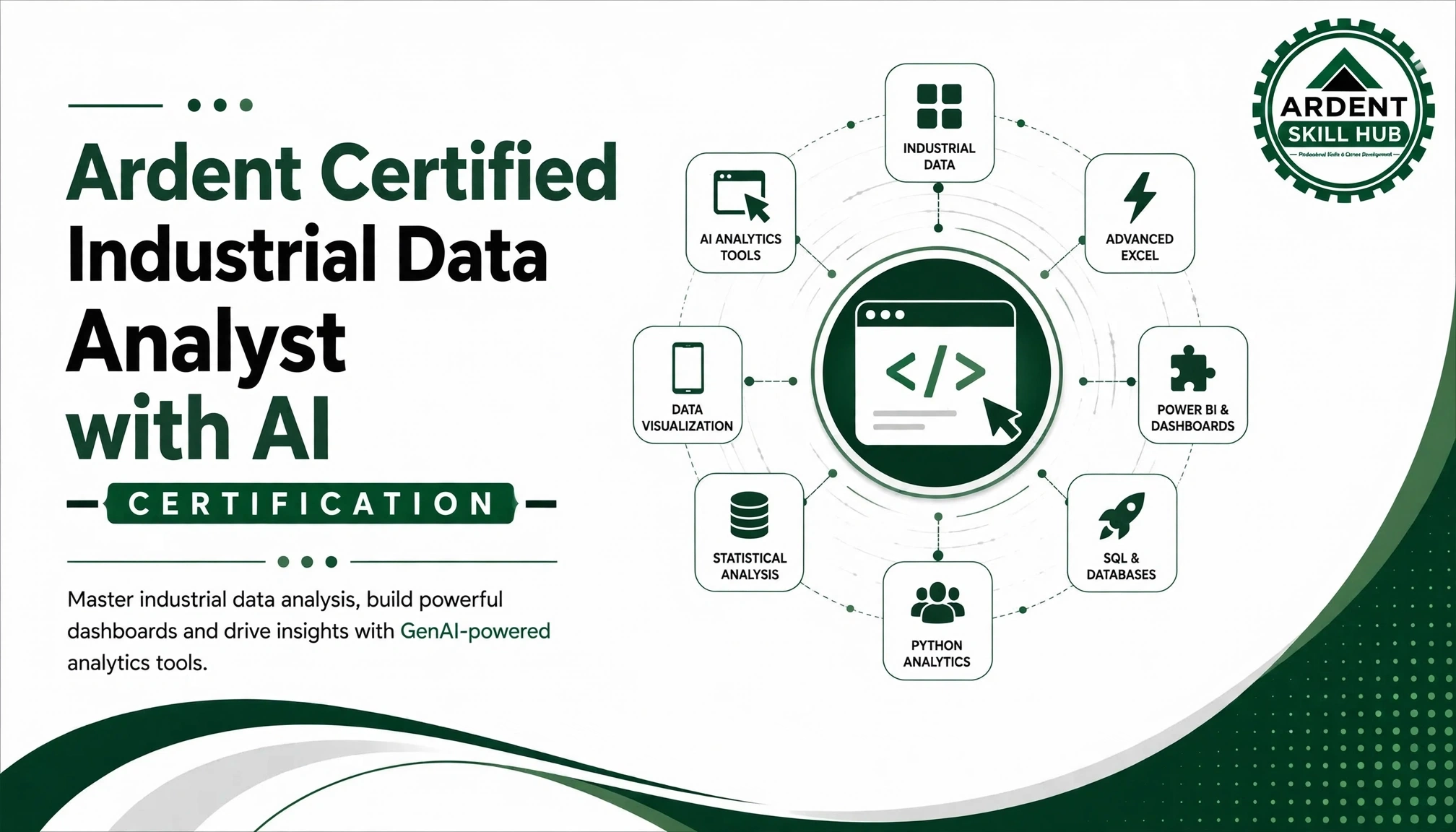
Ardent Certified AI-Powered Industrial Data Analyst — Advanced Excel, Power BI & Tableau (AIDA)
₹45,000
₹22,500
Save ₹22,500
 50% OFF
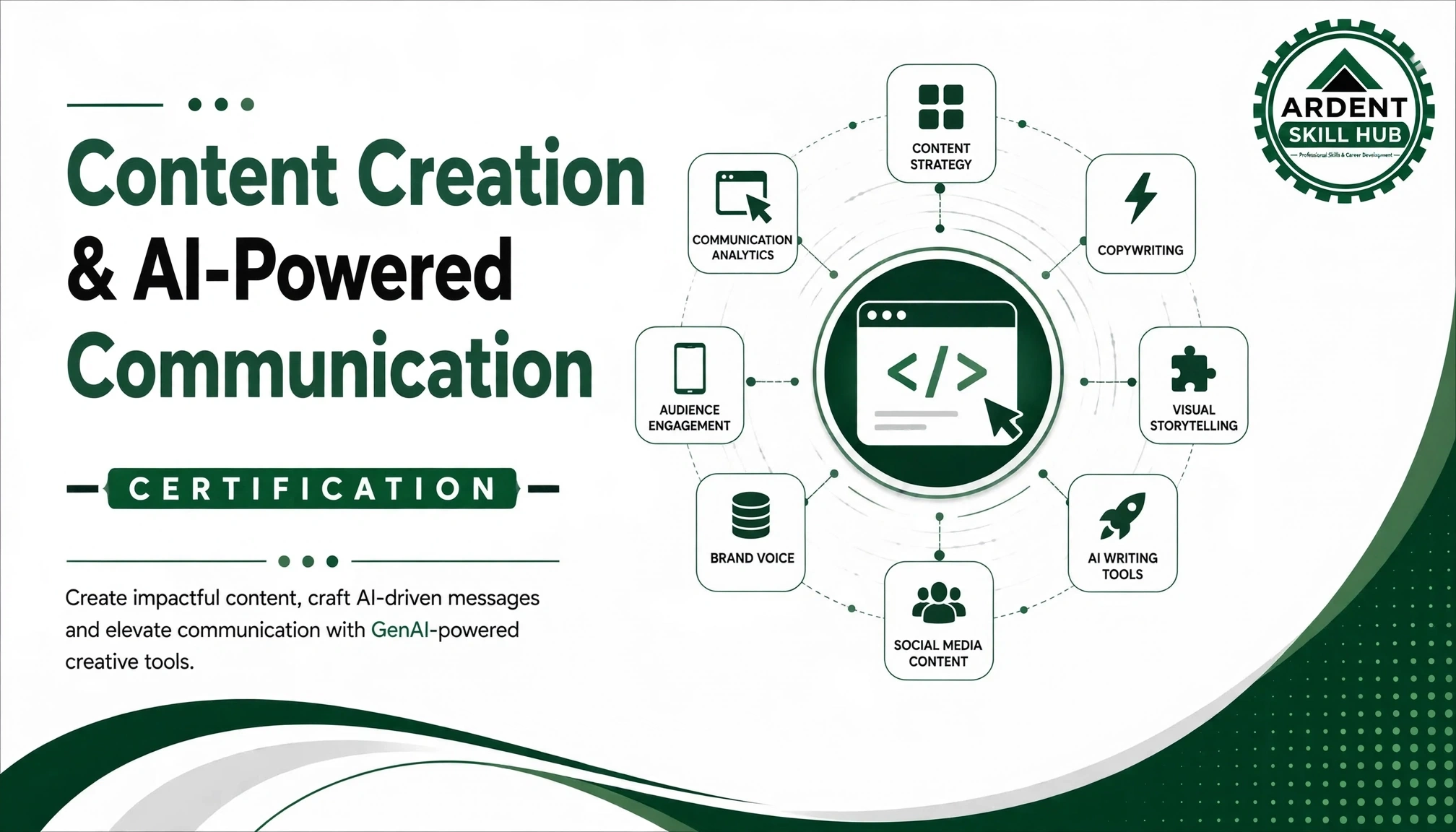
Ardent Certified-AI-Powered Content Creation, Communication & Office Automation (AICO)
₹52,000
₹26,000
Save ₹26,000
 50% OFF
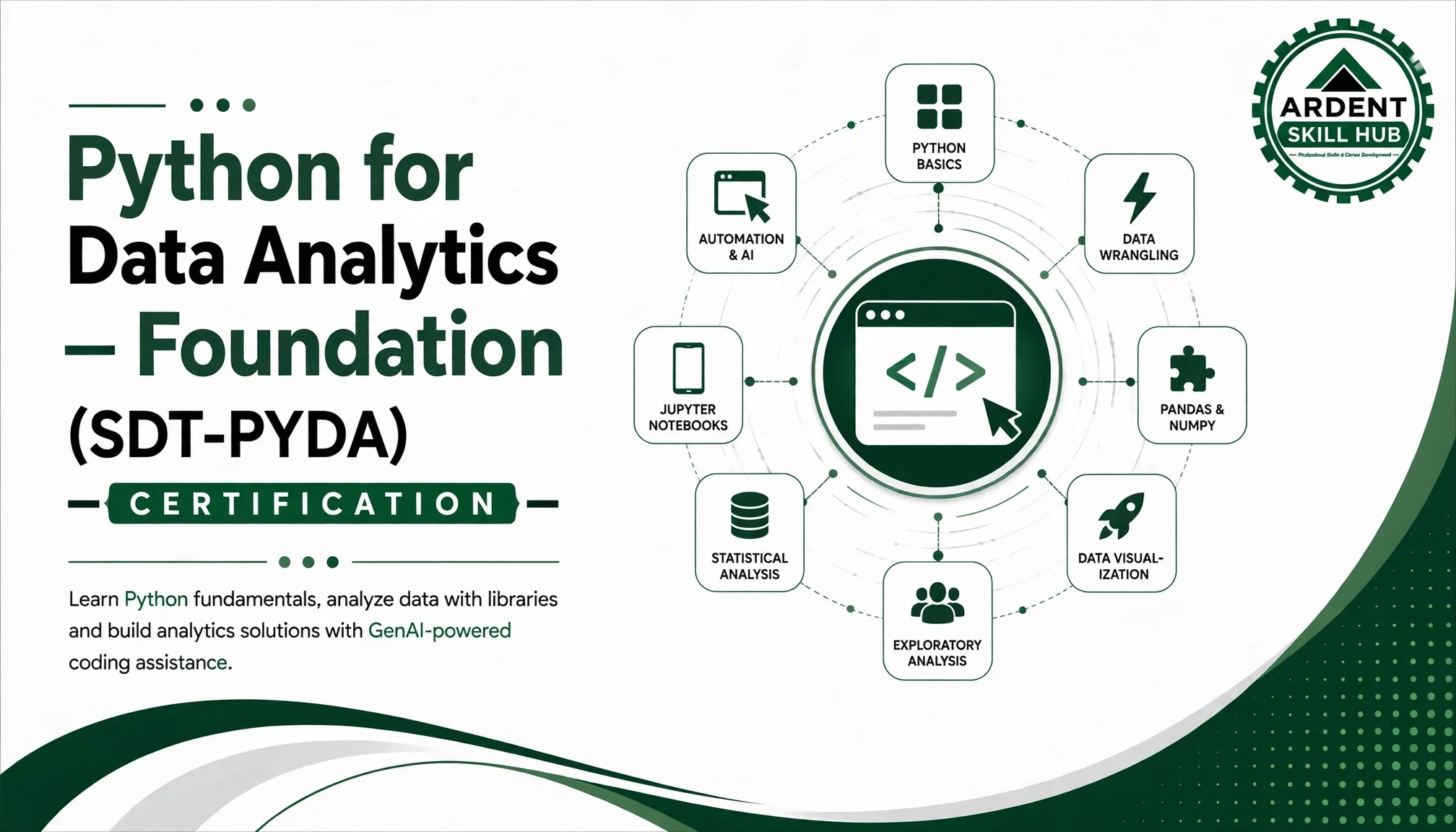
Ardent Certified-Python for Data Analytics & Data Science (PYDA)
₹45,000
₹22,500
Save ₹22,500
Course Delivery Format
Duration6 months (100 hours total)
ModeOnline Live Classes + Recorded Lectures
ScheduleWeekend & Weekday Evening Batches
Batch SizeMaximum 30 students
Prerequisites
- Laptop/Desktop with stable internet connection
- Basic English proficiency
- Willingness to dedicate 4–5 hours weekly
- No prior technical knowledge required
Investment & Scholarships
Course Fee
₹65,000
₹32,500
EMI OptionsAvailable
ScholarshipsMerit-based & Need-based
Early Bird15% Discount
Certification
- Course Completion Certificate
- Industry-recognized certifications
- LinkedIn badge
- Project completion certificates
Placement Support
- Resume building & LinkedIn optimization
- Mock interviews & soft skills training
- Access to job portal with 200+ partners
- Networking sessions with industry professionals
- Lifetime placement assistance
Learning Support
- 24/7 access to recorded lectures
- Doubt clearing sessions twice weekly
- Dedicated mentor support
- Peer learning community
- Monthly industry expert guest lectures