GOVERNMENT-CERTIFIED COURSE
50% OFF
Ardent Certified-AI-Powered Content Creation, Communication & Office Automation (AICO)
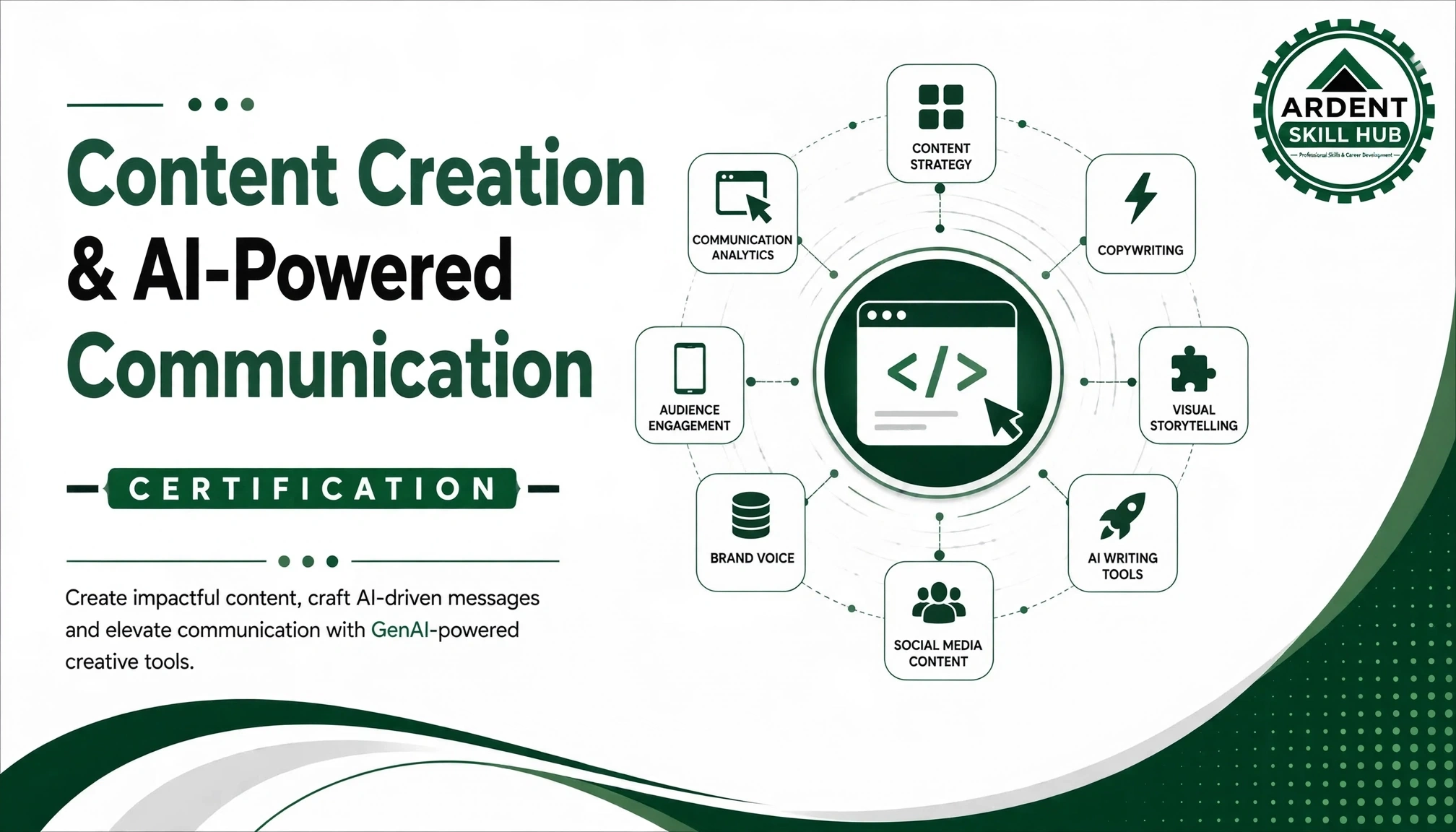
Build AI-powered professional productivity skills for content creation, business communication, and everyday office workflows. Learn to leverage modern AI tools for document creation, report writing, presentations, email communication, research, summarization, data organization, creative content, and workflow automation—helping learners work faster, smarter, and more effectively in today’s AI-driven workplace.
₹52,000
₹26,000
Save ₹26,000
6 Months
Duration
Live +
Recorded
Max 30
Students
Govt.
Certified



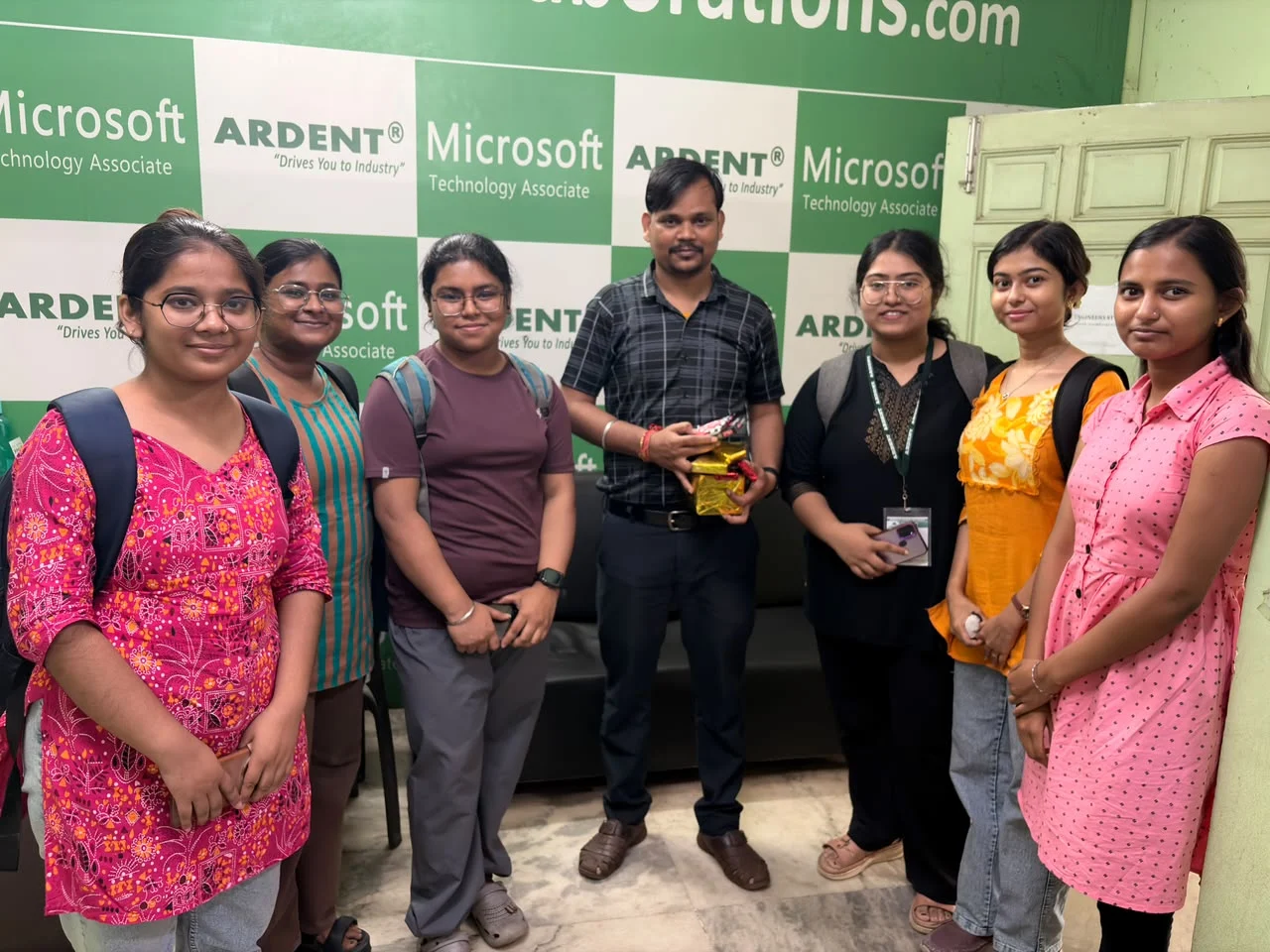
Empowering learners with AI skills
to build a smarter tomorrow.
to build a smarter tomorrow.
Learning Outcomes
- Write compelling content for blogs, websites, social media, and marketing materials
- Use AI tools like ChatGPT, Jasper, and Copy.ai effectively and ethically
- Develop content strategies aligned with business objectives
- Create SEO-optimized content that ranks well on search engines
- Write persuasive copy for advertisements, emails, and landing pages
- Produce technical documentation and business reports
- Edit and refine AI-generated content for quality and authenticity
- Build a diverse content portfolio across multiple niches
- Communicate effectively in professional settings
- Design practical AI-powered productivity workflows for academic, business, and professional environments.
Course Objectives
- 1. Develop practical skills in AI-powered content creation for professional and academic purposes.
- 2. Enhance business communication using AI tools for emails, reports, presentations, and professional writing.
- 3. Automate routine office tasks using AI-integrated Word, Excel, and PowerPoint tools.
- 4. Learn effective prompting techniques to generate, refine, summarize, and transform content using AI.
- 5. Improve workplace productivity through AI-driven document creation, data handling, communication, and office automation.
- 6. Use AI for research, information summarization, brainstorming, and content organization.
- 7. Understand AI-assisted office automation and workflow optimization to reduce repetitive tasks.
- 8. Develop skills for using AI with Microsoft Office and Google Workspace workflows.
- 9. Learn responsible AI practices including fact-checking, privacy, accuracy, and ethical use.
- 10. Build an AI-first professional workflow that improves productivity, communication, and workplace efficiency.
Applications in Industry
- 1. Business Communication – Create professional emails, letters, notices, messages, and workplace communication.
- 2. Report & Document Creation – Generate reports, proposals, summaries, meeting notes, and business documents.
- 3. Presentation Development – Create presentation structures, slides, visuals, and speaker content using AI.
- 4. Content Creation – Develop blogs, articles, social media content, marketing copy, and creative materials.
- 5. Research & Summarization – Quickly organize, summarize, and extract insights from information and documents.
- 6. Office Productivity – Use AI to simplify repetitive administrative and documentation tasks.
- 7. Marketing Support – Generate campaign ideas, promotional content, product descriptions, and communication materials.
- 8. Academic Productivity – Support assignments, research planning, presentations, summaries, and study materials.
- 9. Data & Information Organization – Use AI to structure, categorize, summarize, and interpret information.
- 10. Workflow Automation – Build smarter AI-assisted workflows that save time and improve everyday professional efficiency.
Frequently Asked Questions
A: Absolutely! Good command of English is helpful, but we teach everything from grammar to advanced writing. Students from all academic backgrounds have succeeded as content writers.
A: No! AI is a tool that enhances productivity, but it can't replace human creativity, strategy, and emotional intelligence. We teach you to use AI to your advantage, not compete with it.
A: Beginner freelancers earn ₹15,000-30,000 monthly. With experience and niche specialization, you can earn ₹50,000-₹1,00,000+ per month. Some of our top students earn even more.
A: Just a laptop and internet connection. We use Google Docs for writing, and most AI tools have free versions. We guide you through free tool selection and usage.
A: Content writing focuses on informing and educating (blogs, articles), while copywriting focuses on persuading and selling (ads, sales pages). This course covers both!
A: Yes! We encourage niche specialization. Whether it's finance, healthcare, technology, or lifestyle, we help you build expertise and portfolio in your chosen niche.
A: We guide you through creating sample pieces, guest blogging, contributing to online platforms, and even setting up your own blog. By course end, you'll have 10-15 portfolio pieces.
A: Huge demand! Every business needs content for websites, social media, emails, and marketing. The content writing industry in India is growing at 15-20% annually.
A: Yes! We cover writing for Facebook, Instagram, LinkedIn, Twitter, YouTube, and more. Platform-specific content strategies are part of the curriculum.
A: Yes, provided you have good command of English (reading and writing). We focus on improving your writing skills regardless of your starting point.
Course Content — Modules
1
Module 1: Introduction to AI-Powered Productivity & the Modern Workplace
1
The Role of AI in Content, Communication & Office Work
2
Tour of the AI Toolkit: ChatGPT, Microsoft Copilot, Gemini & Claude
3
Hands-on Lab: Setting Up ChatGPT, Copilot & Gemini for Daily Work
2
Module 2: Prompt Engineering Fundamentals
1
What Makes a Good Prompt: Structure & Clarity
2
Prompt Types: Instruction, Role-Based & Few-Shot Prompting in ChatGPT & Claude
3
Hands-on Lab: Writing Prompts for Everyday Tasks in ChatGPT
3
Module 3: Advanced Prompt Engineering & Prompt Design Patterns
1
Chain-of-Thought, Iterative Refinement & Prompt Chaining
2
Reusable Prompt Templates with Custom GPTs & Claude Projects
3
Hands-on Lab: Building a Prompt Library in ChatGPT Custom Instructions
4
Module 4: AI Writing Tools & Content Generation Fundamentals
1
Comparing AI Writing Assistants: ChatGPT, Claude, Jasper & Grammarly
2
Generating, Editing & Refining Text with AI Writing Tools
3
Hands-on Lab: Drafting Your First Document in Claude & Grammarly
5
Module 5: AI-Powered Business Writing: Emails, Memos & Reports
1
Writing Professional Emails & Memos with Copilot & ChatGPT
2
Structuring Business Reports & Executive Summaries with Claude
3
Hands-on Lab: Drafting a Business Report Using Microsoft Copilot
6
Module 6: AI-Powered Content Creation: Blogs, Articles & Marketing Copy
1
Generating Blog Posts & Long-Form Articles with Jasper & ChatGPT
2
Writing Marketing & Sales Copy with Copy.ai & Claude
3
Hands-on Lab: Creating a Blog Post & Marketing Copy Set with Jasper
7
Module 7: AI for Social Media Content & Campaign Creation
1
Generating Social Media Posts & Captions with Canva AI & ChatGPT
2
Planning Content Calendars with Buffer AI & Later's AI Assistant
3
Hands-on Lab: Building a One-Week Social Campaign in Canva AI
8
Module 8: AI-Powered Presentations: Slide Design & Storytelling
1
Generating Slides with Copilot in PowerPoint & Gamma
2
Structuring a Presentation Narrative with ChatGPT & Beautiful.ai
3
Hands-on Lab: Building a Business Deck with Copilot in PowerPoint
9
Module 9: AI-Powered Excel & Data Automation
1
Using Copilot in Excel for Formulas, Formatting & Analysis
2
Automating Repetitive Spreadsheet Tasks with Copilot & ChatGPT
3
Hands-on Lab: Automating a Business Report with Copilot in Excel
10
Module 10: AI-Powered Word Processing & Document Automation
1
Using Copilot in Word for Drafting, Rewriting & Formatting
2
Automating Templates & Contracts with Copilot & ChatGPT
3
Hands-on Lab: Building a Document Template with Copilot in Word
11
Module 11: AI-Powered Email & Outlook Automation
1
Using Copilot in Outlook for Drafting & Summarizing Emails
2
Automating Email Workflows & Follow-Ups with Copilot & Zapier
3
Hands-on Lab: Automating Inbox Triage with Copilot in Outlook
12
Module 12: AI Meeting Assistants: Transcription, Summarization & Action Items
1
AI Meeting Assistants: Otter.ai, Fireflies.ai & Copilot in Teams
2
Extracting Action Items & Decisions with AI Meeting Tools
3
Hands-on Lab: Summarizing a Meeting Recording with Otter.ai
13
Module 13: AI Image Generation for Content & Marketing
1
AI Image Generators: DALL-E, Midjourney & Adobe Firefly
2
Prompting for Brand-Consistent Visuals in Midjourney & Firefly
3
Hands-on Lab: Generating Marketing Visuals with Adobe Firefly
14
Module 14: AI Video & Audio Content Creation
1
AI Video Tools: Synthesia, Runway & CapCut AI Editing
2
AI Voice Generation with ElevenLabs & Podcast Production Tools
3
Hands-on Lab: Creating a Short AI-Generated Video with Synthesia
15
Module 15: Chatbots & Conversational AI for Business Communication
1
Chatbot Platforms: Custom GPTs, Copilot Studio & Intercom Fin
2
Designing Conversational Flows in Copilot Studio
3
Hands-on Lab: Building a Business Chatbot with a Custom GPT
16
Module 16: Workflow Automation with AI: Zapier, Power Automate & AI Agents
1
Introduction to Zapier & Microsoft Power Automate
2
Connecting ChatGPT & Copilot into Automated Workflows
3
Hands-on Lab: Building an End-to-End Workflow in Zapier
17
Module 17: AI for Customer Communication & Support Automation
1
AI-Powered Customer Support with Intercom Fin & Zendesk AI
2
Personalizing Customer Communication with ChatGPT & Copilot
3
Hands-on Lab: Building a Support Response Workflow with Zendesk AI
18
Module 18: AI for Internal Communication & Knowledge Management
1
AI Tools for Internal Announcements: Copilot in Teams & SharePoint
2
Building AI-Searchable Knowledge Bases with Notion AI & Copilot
3
Hands-on Lab: Creating an AI-Powered FAQ in Notion AI
19
Module 19: Editing, Fact-Checking & Quality Control of AI-Generated Content
1
Reviewing AI Output for Accuracy & Hallucinations
2
Editing & Polishing AI Content with Grammarly & Hemingway Editor
3
Hands-on Lab: Fact-Checking & Editing an AI-Drafted Report
20
Module 20: Brand Voice, Tone & Style Consistency with AI
1
Encoding Brand Voice into Custom GPTs & Claude Projects
2
Maintaining Tone Consistency Across Jasper, Copy.ai & ChatGPT
3
Hands-on Lab: Building a Brand Voice Style Guide as a Custom GPT
21
Module 21: AI Ethics, Bias & Responsible Content Creation
1
Understanding Bias & Fairness in AI-Generated Content
2
Responsible & Transparent Use of AI Tools in Communication
3
Hands-on Lab: Auditing AI Content from ChatGPT & Copilot for Bias
22
Module 22: Data Privacy, Copyright & Compliance in AI-Generated Content
1
Data Privacy Considerations Across ChatGPT, Copilot & Gemini
2
Copyright & Intellectual Property in AI-Generated Content
3
Hands-on Lab: Building a Compliance Checklist for AI Tool Use
23
Module 23: Building an AI-Powered Content & Communication Workflow
1
Integrating ChatGPT, Copilot, Canva AI & Zapier Across the Content Lifecycle
2
Measuring ROI & Productivity Gains from AI Tool Adoption
3
Hands-on Lab: Designing an End-to-End AI Content Workflow
24
Module 24: Capstone Project: End-to-End AI-Powered Office Automation Case Study & Certification
1
Capstone Brief: Automating a Business Communication Function with AI Tools
2
Hands-on Lab: Building the Solution Across ChatGPT, Copilot & Zapier
3
Final Presentation & AICO Certification Review
 50% OFF
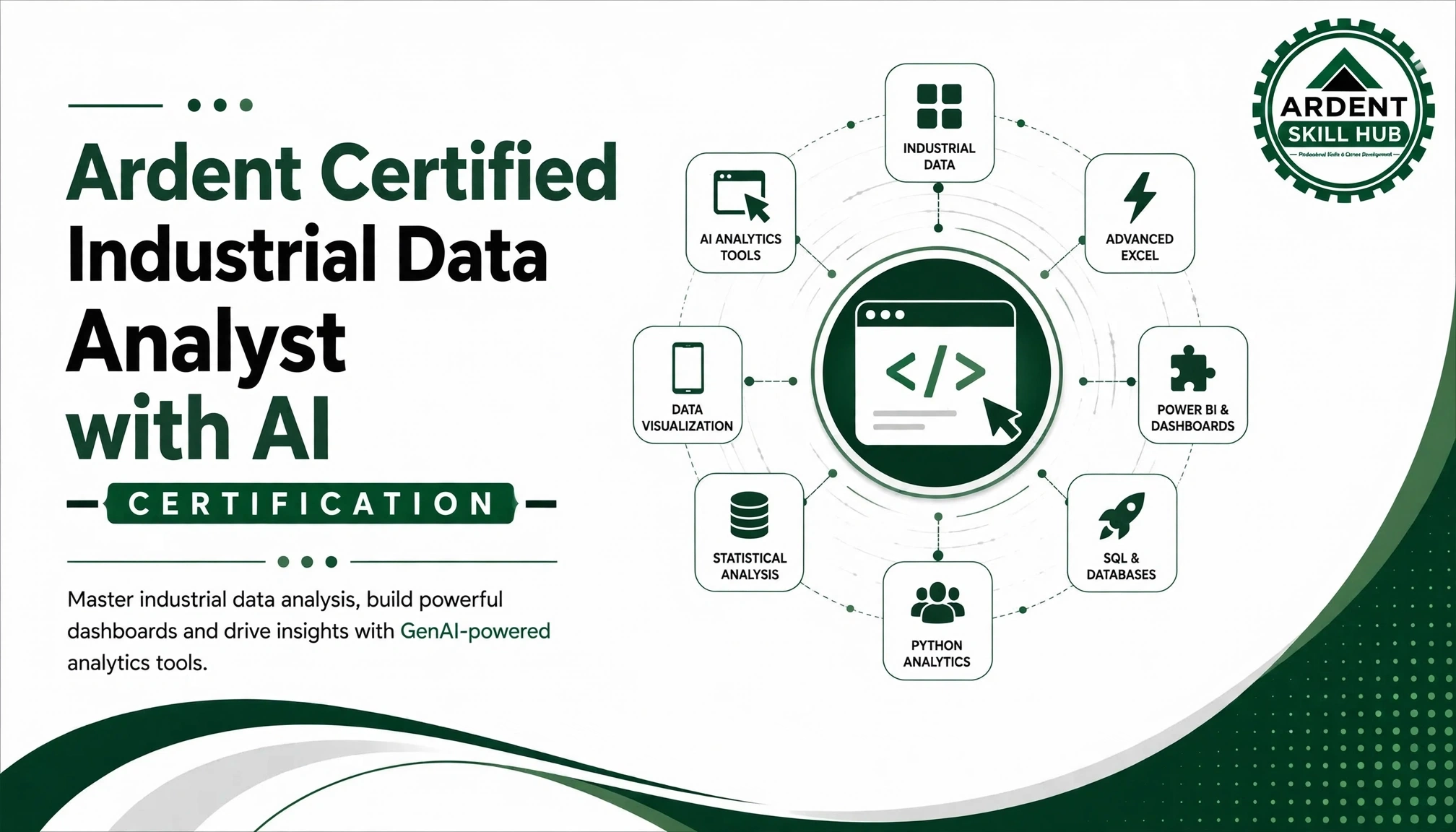
Ardent Certified AI-Powered Industrial Data Analyst — Advanced Excel, Power BI & Tableau (AIDA)
₹45,000
₹22,500
Save ₹22,500
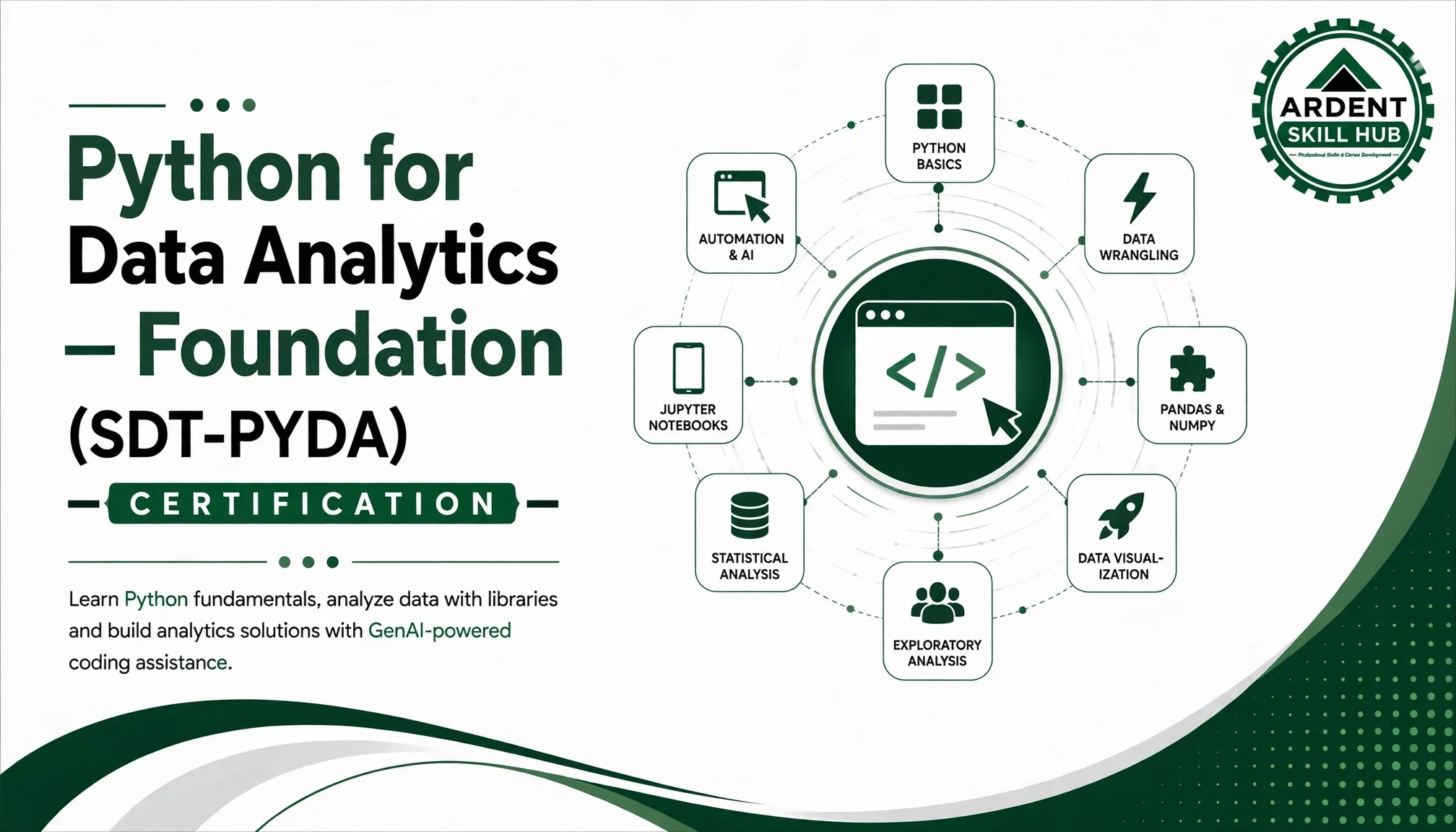 50% OFF
Ardent Certified-Python for Data Analytics & Data Science (PYDA)
₹45,000
₹22,500
Save ₹22,500
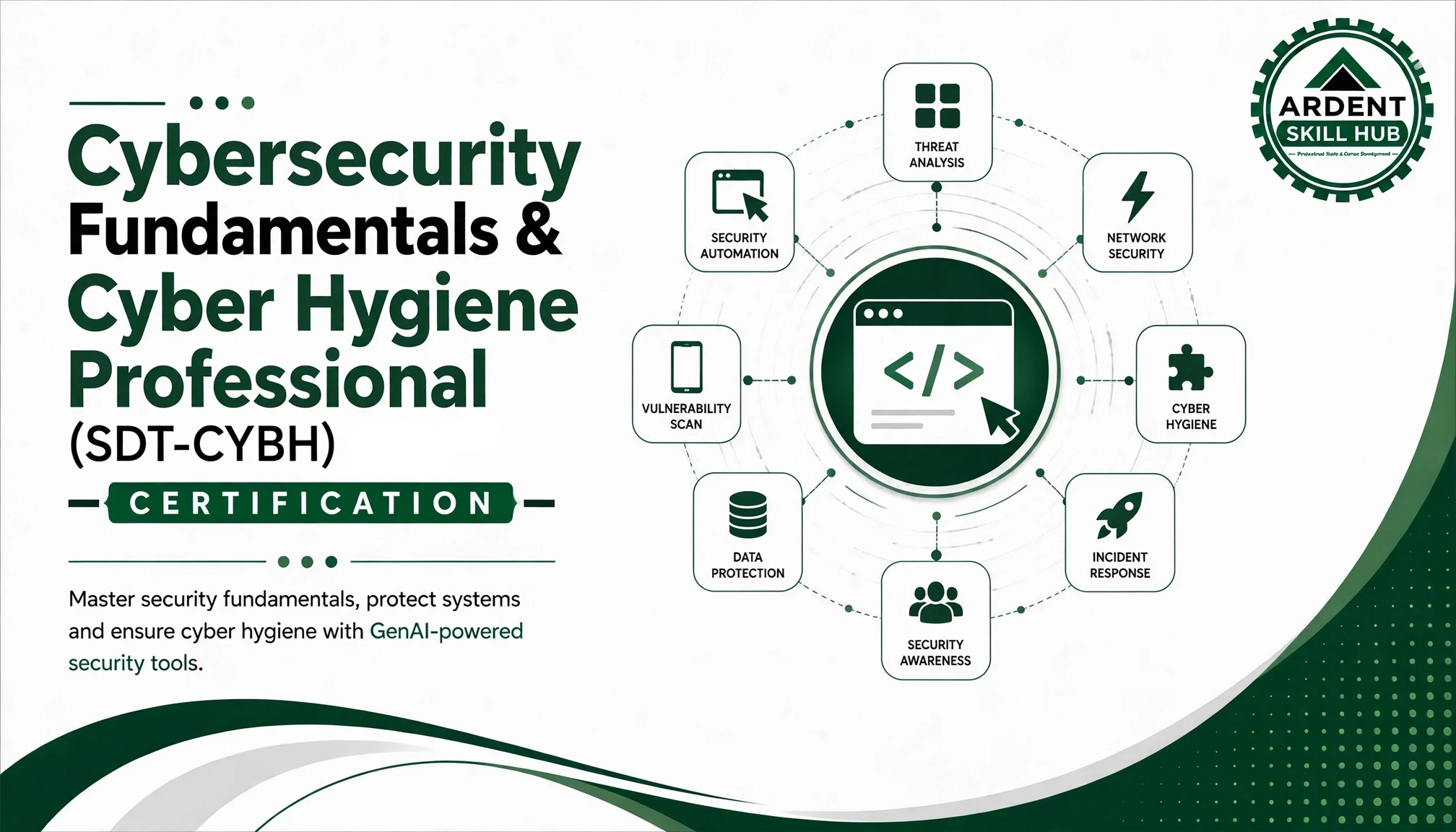 50% OFF
Ardent Certified-CyberShield-Digital Security & Cyber Hygiene (CYBH)
₹45,000
₹22,500
Save ₹22,500
Course Delivery Format
Duration6 months (100 hours total)
ModeOnline Live Classes + Recorded Lectures
ScheduleWeekend & Weekday Evening Batches
Batch SizeMaximum 30 students
Prerequisites
- Laptop/Desktop with stable internet connection
- Basic English proficiency
- Willingness to dedicate 4–5 hours weekly
- No prior technical knowledge required
Investment & Scholarships
Course Fee
₹52,000
₹26,000
EMI OptionsAvailable
ScholarshipsMerit-based & Need-based
Early Bird15% Discount
Certification
- Course Completion Certificate
- Industry-recognized certifications
- LinkedIn badge
- Project completion certificates
Placement Support
- Resume building & LinkedIn optimization
- Mock interviews & soft skills training
- Access to job portal with 200+ partners
- Networking sessions with industry professionals
- Lifetime placement assistance
Learning Support
- 24/7 access to recorded lectures
- Doubt clearing sessions twice weekly
- Dedicated mentor support
- Peer learning community
- Monthly industry expert guest lectures